This page documents some accessibility practices being done on Nontrinsic.
Images
Any images attached to a nonsense entry should have alt text to describe the image in a nonsense entry. Sometimes an entry will only include an image, sometimes you have to see the image to get a sense of what the entry is. (Well, it’s nonsense, but not all nonsense entries are purely nonsensical.)
Whenever you write alt text, make it brief, and be sure to provide context about the image. Don’t add too much detail unless it’s relevant to the nonsense entry or context in question. If the image has text in place of actual text in the nonsense entry, make sure to copy the whole text in the alt text since not everyone can load the image.
Having written most of the alt text for entries that do have images, Linerly has some examples:
- Well That Sucks
- […] McDonalds Hula Burger brought back as a permanent addition to the menu
- YOU’SS PINC GUY SOGN
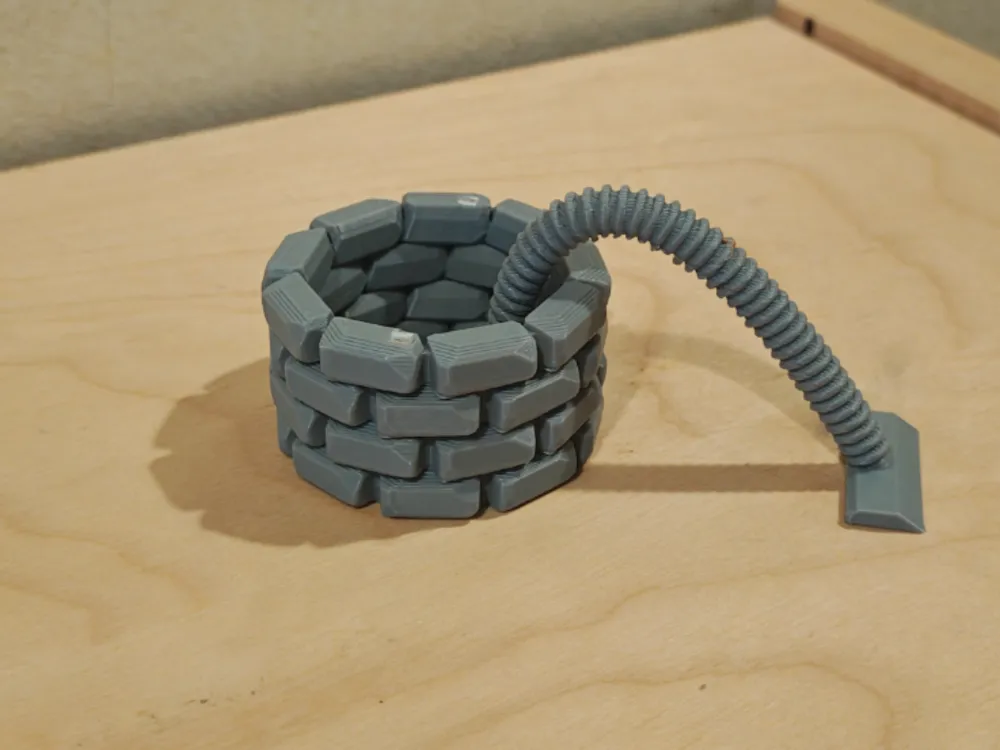
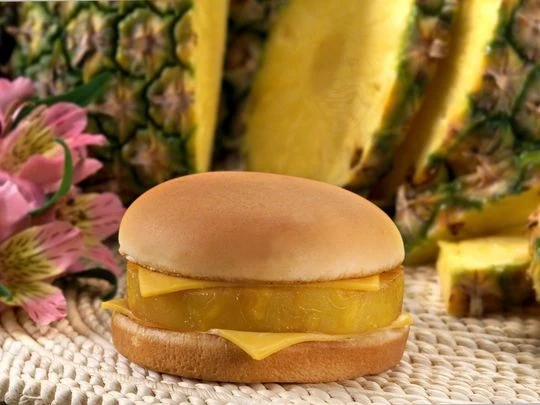
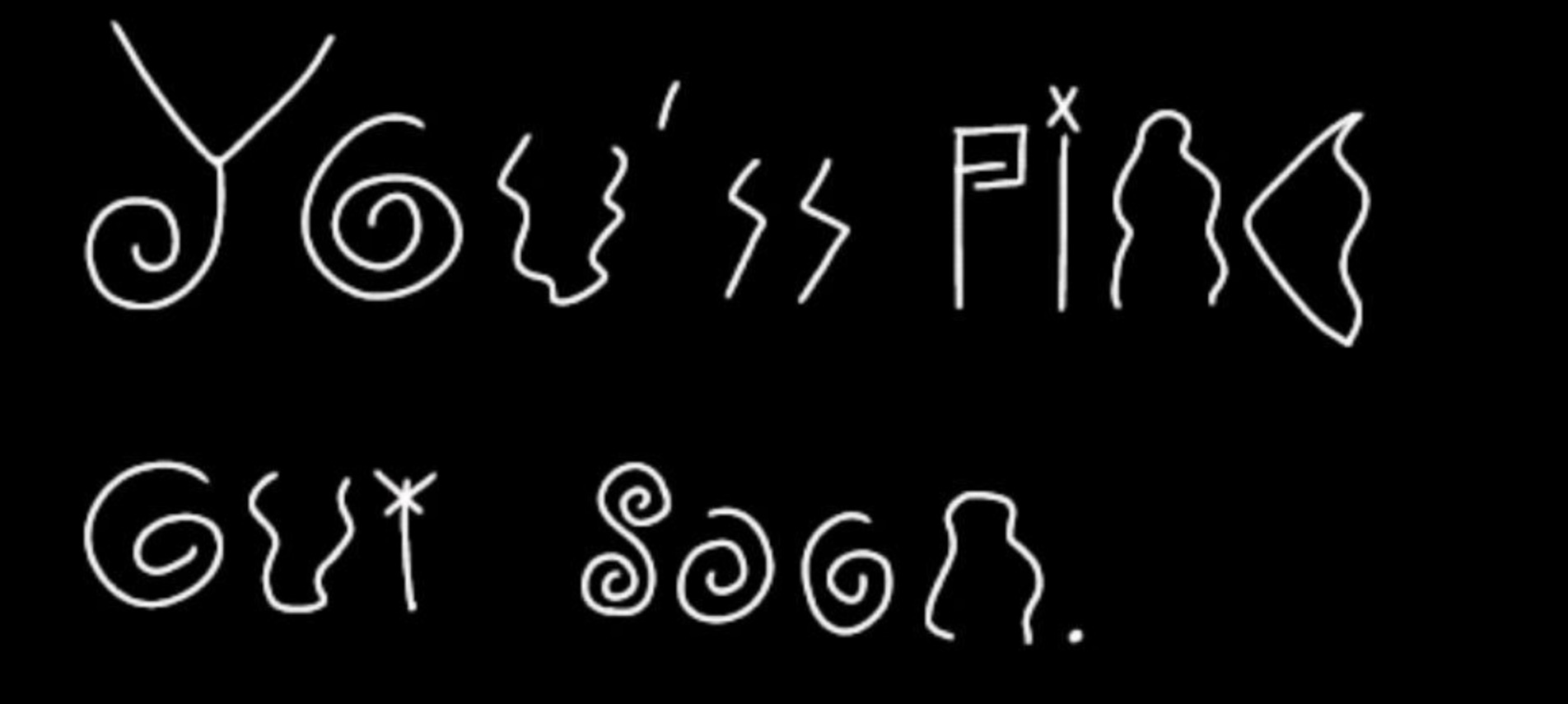
This list isn’t comprehensive, but they’re good starting points when it comes to writing alt text. You can download the nonsense database, open the CSV file in a spreadsheet editor, and look for alt text as examples in the image_alt_text column.
Web and mobile apps
We’ve tried to make sure that Nontrinsic’s web and mobile apps are as accessible as possible, but they have not been checked extensively for any accessibility problems. For nonsense entry text, it is intentional that the font size is large as it is a design choice.
The web app uses SvelteKit, and the mobile apps use Jetpack Compose and SwiftUI for Android and iOS respectively. If you have any issues regarding accessibility while using Nontrinsic, please create an issue on Codeberg:
- For the web app: https://codeberg.org/nontrinsic/web/issues
- For the Android app: https://codeberg.org/nontrinsic/android/issues
- For the iOS1 app: https://codeberg.org/nontrinsic/ios/issues
Footnotes
-
Plus for other Apple platforms. ↩